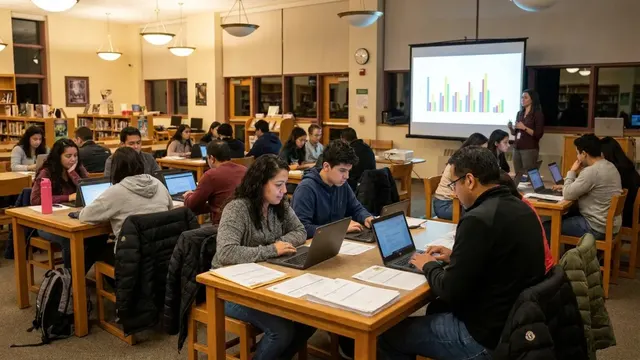
District eventFinancial Aid NightRivermere High School library
The College & Career Portal gives a school district a branded page of colleges, training programs, scholarships and career events. TSN runs it. Sponsors pay for clearly labeled placements. The district decides what its students see.
Districts adopt the page, sponsors pay for placements on it, and campaign partners sell those placements. TSN runs it for all of them.


Placements are sold by campaign partners that work with TSN. Write to TSN and we will put you in touch.

Six steps, and two of them can stop any campaign: TSN's review and the district's decision.
TSN sets up the district. The district adds its logo, colors and address, attaches the page to its website and chooses its pre-approved sponsor categories.
One button in the admin app pauses every sponsored item on the district's page. District content stays. Resume when you are ready. Try it on the sample page.
In the admin app the district confirms the pause before it takes effect; this sample skips that step.
College & Career Opportunities

Sponsored content is paused by the district. District content stays on the page.
Sample page. Rivermere Unified, Northfield College and Valley Trades Institute are fictional; photos are synthetic.
Students and families browse without an account. What the portal does not do is part of the product.
Nobody signs in. Saved items and comparisons stay on the visitor's own device.
No third-party scripts, pixels or analytics. Fonts and images come from the portal itself.
Sponsored content is chosen by district, category, grade band and dates, never by who is looking.
Reports count views and clicks per day. They hold nothing about any visitor.
A fictional district with its own website, its portal and the admin app behind it, filled with demo content.
Screenshot
Demo district website with the College & Career menu link and homepage block
How the page is attached: a menu link, a homepage block, or the page embedded.
Open the demo districtOpens when the demo district site is ready.
Screenshot
Rivermere Unified portal: search, filters, district block, sponsored cards
Search, filters, saved items and comparison, on the district's address.
Open the demo portalOpens when the demo portal is ready.
Screenshot
Admin app: Today page of a district administrator
Today's tasks, approvals, the pause, reports. Shown in a guided demo with TSN.
Ask for a guided demoTell us who you are and what you would like to do. A person at TSN answers by email.
These links open your own email program. This site has no form, sets no cookies and keeps no record of your visit.